 Document Tracking · RFID Solution
Document tracking with RFID.
Documents are mobile and notoriously hard to track across an enterprise. RFID on AssetWorx! keeps a full chain of custody — so a file is never truly lost.
Document Tracking · RFID Solution
Documents are mobile and notoriously hard to track across an enterprise. RFID on AssetWorx! keeps a full chain of custody — so a file is never truly lost.
Physical documents move constantly across an enterprise — desk to desk, office to archive — which makes them some of the hardest assets to keep track of. A single lost document can carry a catastrophic cost.

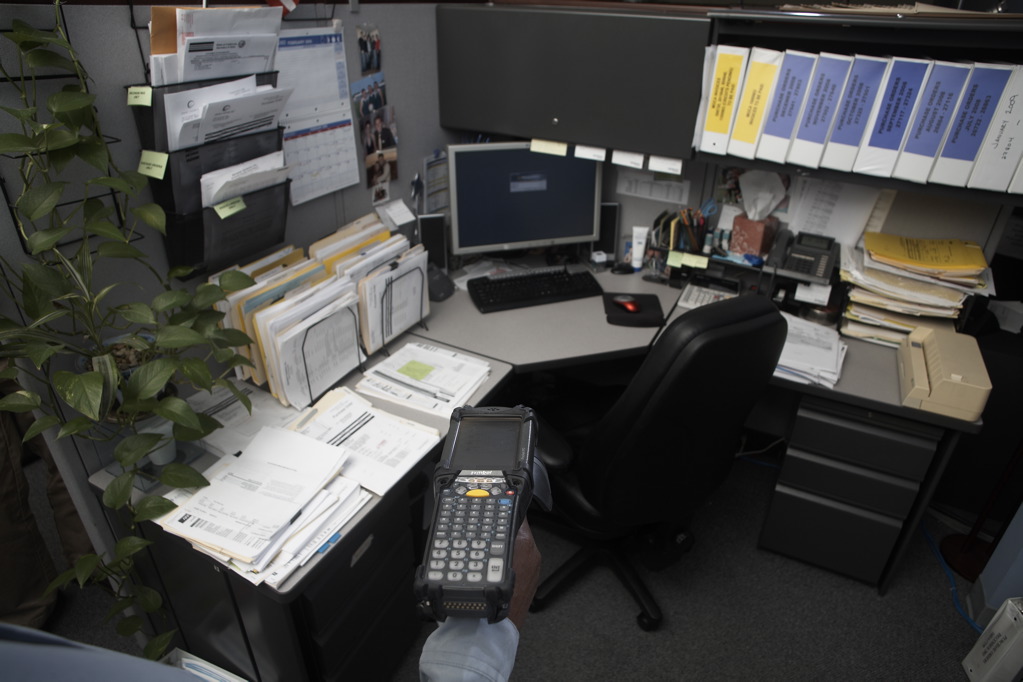
Tag the folder and every touch is captured — so you spend less time searching and more time working, with a defensible record behind you.
The right setup depends on how your documents move and how large the operation is — we'll help you match it.
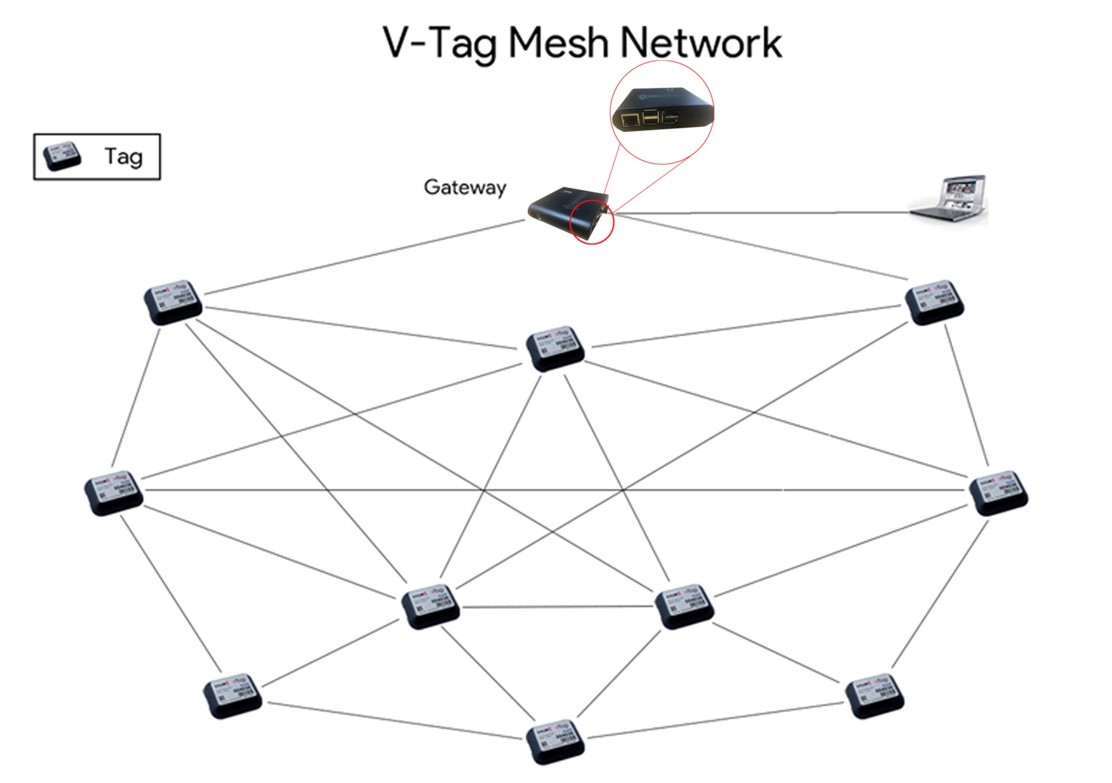
A barcode has to be read one at a time, in the line of sight. Passive RFID tags can be read hundreds at a time — no aiming, no scanning each item — which is exactly what document tracking needs.
Think about how many hours your staff spends every month searching for files, locating a high-value asset, checking items in and out, or reconstructing a chain of custody. A passive RFID tracking solution on AssetWorx! cuts the time and cost of finding and managing important documents. No matter the size of the operation, a lost file is a real problem — and RFID tracks items far more effectively and efficiently than the barcode systems most offices still rely on.
A passive RFID tracking system is a combination of hardware and software choices. Four pieces do the work:
Most passive RFID builds draw from the same catalog of parts — readers, printers, and the tags themselves.
Readers emit radio waves that power the passive tags so they can be read, and they come in two styles. Mobile readers are handheld units, usually shaped like a scanning “gun” — pull the trigger and it reads the tags nearby:
Fixed readers mount on a wall or ceiling and carry ports — commonly two or four — where external antennas attach; they're wired for power and the network, and read any tag that passes within range. An integrated fixed reader bundles the reader and its antennas into a single package.
An RFID printer prints the human-readable text on a label and encodes the chip in the same pass. Printers aren't always required — pre-commissioned, ready-to-use tags are an alternative — but when you print your own, they come in three formats:
Match the label to the printer carefully — some tags only work with certain printers, and the wrong combination can put a rollout on hold. It's best to check the pairing with an expert first.
Passive tags are attached to the assets you need to track and carry no battery — an external reader powers them. At the core of every one is an inlay: a chip that holds the ID, an antenna that captures the reader's signal to power the chip, and a substrate that holds them together. Package that inlay two different ways and you get the formats you'll actually buy:
There are many tag manufacturers and types, and picking the right one is critical to a project's success. A few variables drive the choice:
The software coordinates every hardware component and turns reads into a usable record. For most projects, that software is AssetWorx!.
Tracking and managing physical assets is essential, but done by hand it's labor-intensive — time away from the core business. AssetWorx! manages those assets quickly and efficiently, and it works with passive RFID, active RFID, or a combination of both technologies. That flexibility means a document-tracking deployment can start passive and grow into active coverage without changing platforms.
A handful of proven workflows cover most document- and asset-tracking operations.
A checkout station checks assets out and back in again, and RFID dramatically speeds the process — which makes staff far more likely to actually use it. It fits storage closets, tool cribs, asset lockers, and IT equipment. There are two configurations:
Periodic inventories run on mobile readers, location to location. The inventory screen starts by showing which assets are expected; as the user walks the room with a handheld, the reader rapidly picks up the tags in range, drastically cutting inventory time compared with barcodes.
Fixed readers placed at strategic points give visibility into asset movement and update locations automatically. Because passive tags have limited range, it's important to analyze the environment first and set realistic expectations. Two patterns are common:
Tell us how documents move through your operation — we'll help you choose passive, active, or cloud, and quote it.
Request a quote